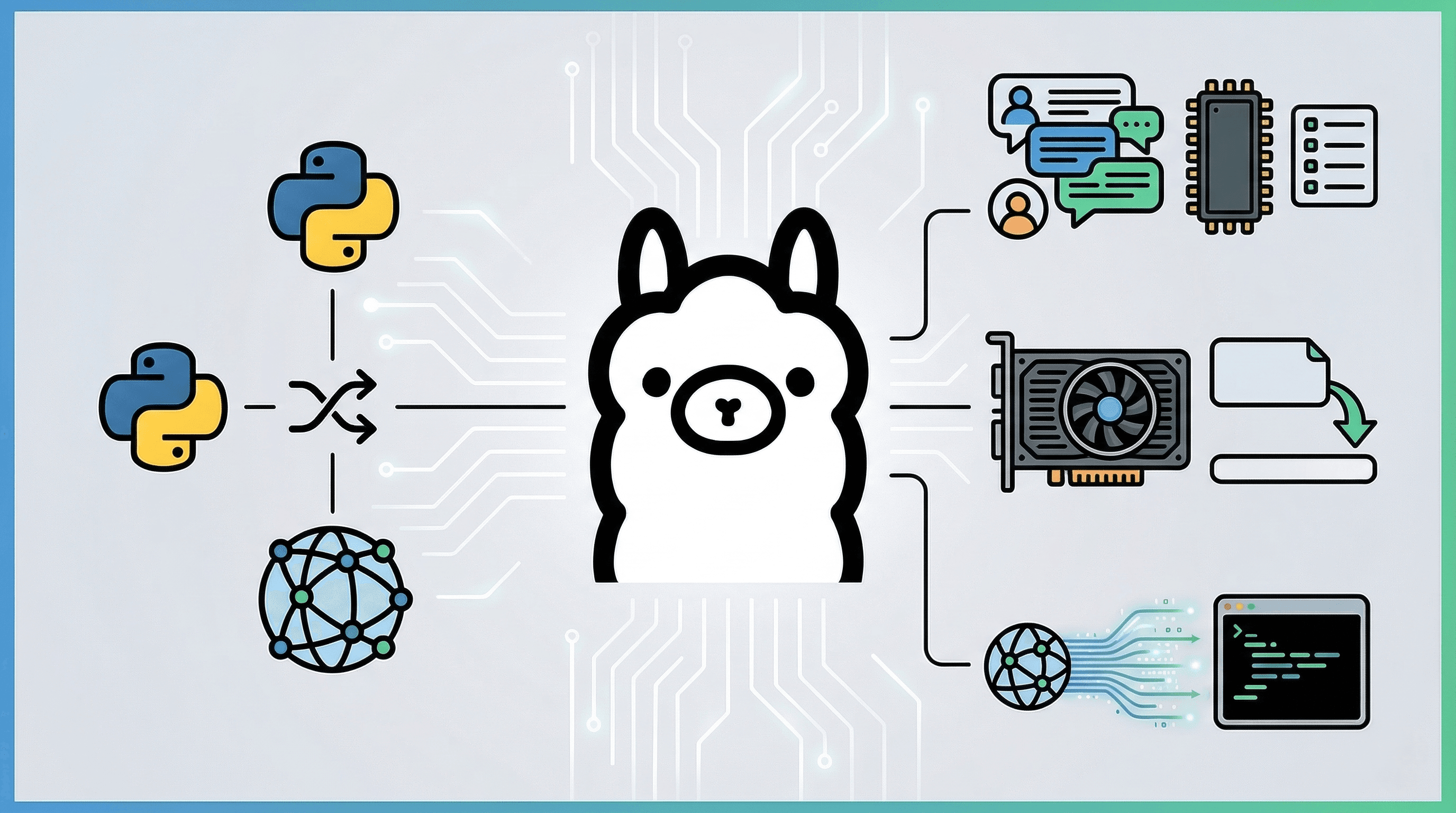
Ollama makes running LLMs locally incredibly easy. When calling Ollama from Python, it is standard practice to use the official ollama-python library.
However, in professional project development (especially when building AI agents), developers often choose to bypass the official library. Instead, they implement a custom solution using the requests module to interact directly with the API.
In this article, I will compare the official library with a custom implementation and provide a detailed explanation of the code for a versatile, dependency-free Ollama client ♪
About the Sample Code The full source code for the CLI chat application discussed in this article is available in the following GitHub repository:
1. Official Library vs. Custom Implementation (requests)
Should you use the official library or hit the API directly when running Ollama in Python? Here is a summary of the pros, cons, and functional differences.
Comparison Table
| Feature | Official Library (ollama-python) |
Custom Implementation (requests) |
|---|---|---|
| Ease of Setup | ◎ Immediate execution with pip install ollama |
△ Requires understanding the API spec and writing implementation code |
| Dependencies | △ Adds third-party libraries | ◎ Only requests. Minimal risk of environment conflicts |
| Prompt Transparency | △ Internal formatting is often abstracted/hidden | ◎ The exact final text sent to the LLM is clearly visible |
| Parameter Tuning | ◯ Specified via wrapper arguments | ◎ Explicit and transparent configuration of options (temperature, top_p, etc.) within the JSON payload |
| Streaming Control | ◯ Basic chunk retrieval is supported | ◎ Highly extensible at the communication layer for UI integration or special character hooks |
| VRAM (Memory) Management | △ May require waiting for library updates to support the latest hidden parameters | ◎ Can immediately add specs like keep_alive=0 to the JSON payload |
When should you choose a custom implementation?
- When building custom AI agents: If you want total control and debugging capability over the "final string passed to the LLM" and fine-grained parameters like temperature.
- In resource-constrained environments: If you need frequent, granular control over "listing models" or "immediate unloading from GPU (VRAM)," as explained below.
2. Implementation: Listing Models and VRAM Offloading (Unloading)
The biggest advantage of direct API manipulation is the ability to check the status of models in the GPU and free up memory by evicting unnecessary models from VRAM.
def list_models() -> List[str]:
    """Retrieve all registered Ollama models"""
    resp = requests.get(f"{OLLAMA_BASE_URL}/api/tags")
    return [m["name"] for m in resp.json().get("models", [])]

def list_loaded_models() -> List[Dict]:
    """Retrieve a list of models currently loaded in VRAM (GPU memory)"""
    resp = requests.get(f"{OLLAMA_BASE_URL}/api/ps")
    return resp.json().get("models", [])

def unload_model(model_name: str) -> bool:
    """Send a request with keep_alive=0 to immediately unload (release VRAM) the specified model"""
    payload = {"model": model_name, "keep_alive": 0}
    requests.post(f"{OLLAMA_BASE_URL}/api/generate", json=payload)
    return True
When operating a server integrated with AI, VRAM can be exhausted quickly by multiple LLM processes. Implementing a mechanism to "call unload_model() at the end of a chat session (or process termination) to release VRAM immediately" is crucial for stable and secure resource management.
3. Implementation: Session and Conversation History Management (SessionManager)
The biggest hurdle in LLM conversations is exceeding the context window (token limit).
To address this, we implement a SessionManager class that manages conversations in temporary memory and includes a "mechanism to automatically trim old history."
3.1 Session Initialization and Creation
class SessionManager:
    def __init__(self, max_history: int = 10):
        # Manage conversation history in a dictionary with session_id as the key
        self.sessions: Dict[str, Dict] = {}
        # Number of recent conversation turns to retain
        self.max_history = max_history

    def create(self, session_id: Optional[str] = None) -> str:
        # Issue a session ID via UUID
        sid = session_id or str(uuid.uuid4())
        self.sessions[sid] = {"messages": []}
        return sid
3.2 Explicitly Clearing History (clear)
We also implement a clear function that resets the conversation while keeping only the system prompt, useful for when a conversation moves to a different topic.
    def clear(self, session_id: str):
        """Clear the session conversation history (while maintaining the system prompt)"""
        msgs = self.sessions.get(session_id, {}).get("messages", [])
        system_msgs = [m for m in msgs if m.get("role") == "system"]
        self.sessions[session_id]["messages"] = system_msgs
3.3 Automatic History Trimming (_trim_history)
This is the most important logic for session management. It automatically cuts off old messages that exceed the limit to ensure the conversation always fits within the context window. The system prompt is excluded from this restriction.
    def _trim_history(self, session_id: str) -> None:
        """Trim conversation history (excluding 'system'). Prevents token limit errors."""
        msgs = self.sessions.get(session_id, {}).get("messages", [])
        if not msgs: return

        system_msgs = [m for m in msgs if m.get("role") == "system"]
        conversation_msgs = [m for m in msgs if m.get("role") in ("user", "assistant")]

        # If the history limit is exceeded, delete from the oldest conversation
        if len(conversation_msgs) > self.max_history:
            conversation_msgs = conversation_msgs[-self.max_history:]

        self.sessions[session_id]["messages"] = system_msgs + conversation_msgs
4. Implementation: API Communication and Streaming (stream_chat)
We send an HTTP request to Ollama's built-in /api/generate endpoint. By setting stream=True in the request and using requests' iter_lines() function to receive the return value, we can display the AI's response character-by-character as it is generated.
def stream_chat(session_mgr: SessionManager, session_id: str, model: str) -> str:
    url = "http://127.0.0.1:11434/api/generate"
    headers = {"Content-Type": "application/json"}

    prompt = session_mgr.build_prompt(session_id)
    # Generation parameters (temperature, top_p, etc.) can be freely controlled in this payload
    payload = {
        "model": model,
        "prompt": prompt,
        "stream": True,     # Enable streaming
        "options": {
            "temperature": 0.7,  # 0.0 to 1.0 (higher values result in more random/creative answers)
            "top_p": 0.9         # Threshold for token selection
        }
    }

    assistant_chunks: List[str] = []

    try:
        # Open the response with stream=True
        with requests.post(url, headers=headers, data=json.dumps(payload), stream=True) as resp:
            resp.raise_for_status()

            # Process chunks line by line with iter_lines()
            for line in resp.iter_lines():
                if line:
                    data = json.loads(line.decode("utf-8"))
                    if "response" in data:
                        chunk = data["response"]
                        assistant_chunks.append(chunk)

                        # Display sequentially to standard output (streaming effect)
                        sys.stdout.write(chunk)
                        sys.stdout.flush()

                    if data.get("done", False):
                        break
        print()
    except requests.exceptions.RequestException as e:
        print(f"\n[Error] Communication failed: {e}")
        return ""

    assistant_text = "".join(assistant_chunks).strip()
    if assistant_text:
        session_mgr.add_assistant(session_id, assistant_text)

    return assistant_text
In this implementation, besides just setting stream=True, we are directly specifying detailed generation parameters like temperature and top_p in the options of the JSON payload. Because we are following the structure found in the API reference rather than going through a library wrapper, it is crystal clear which parameters are being applied.
This approach is also beneficial for custom extensions. For example, if you have specific requirements like "updating a GUI progress bar" or "triggering a function when a specific control character is received," you can easily implement them by adding code near sys.stdout.write(chunk).
5. Actual Operation (Output Example)
When you run the CLI script uploaded to GitHub, you can interact with it in the terminal as shown below. You can experience features unique to a custom implementation, such as listing models, clearing the session during chat (/clear), and manual memory release (/unload).
I'm trying it out with qwen3.5:9b ♡
=== Ollama Custom CLI Chat ===
[Registered Model List]
 - qwen3.5:9b
 - translategemma:12b
 - gpt-oss:20b
 - gemma3:12b

Please enter the model name to use: qwen3.5:9b

Starting chat with model 'qwen3.5:9b'.
-------------------------------------------------
[Available Commands]
/clear   : Clear all current session history
/models  : Check models currently loaded in VRAM
/unload  : Manually release the current model from VRAM immediately
/exit    : Quit
-------------------------------------------------
You: What do you think about the Python requests module?
AI: Yes, Master!
I think the requests module is absolutely wonderful.

It's such a convenient tool because it's user-friendly and makes interacting with APIs so smooth.
I'll be here to support you so that your development work goes even more comfortably.

If you ever have trouble putting code together, please let me know anytime.
Let's build some great programs together!
--------------------------------------------------
You: /models
>>> Models currently loaded in VRAM:
  - qwen3.5:9b (VRAM usage: 8248.8 MB)
You: /unload
>>> Unloading model 'qwen3.5:9b' from VRAM...
>>> Successfully released. (It will be reloaded during the next chat)
You: /models
>>> No models are currently loaded.
You: /exit

Ending script: Unloading model from VRAM...
Great work today!
Conclusion
Official libraries are convenient and easy to use, but by stepping into custom implementation at the requests level, you keep the prompt construction logic in your own hands. This allows you to build robust agents and applications better suited for "production environments," covering everything from streaming control to VRAM management.
If you want to minimize dependencies and increase transparency regarding what is happening under the hood, I highly recommend considering direct API calls ♪