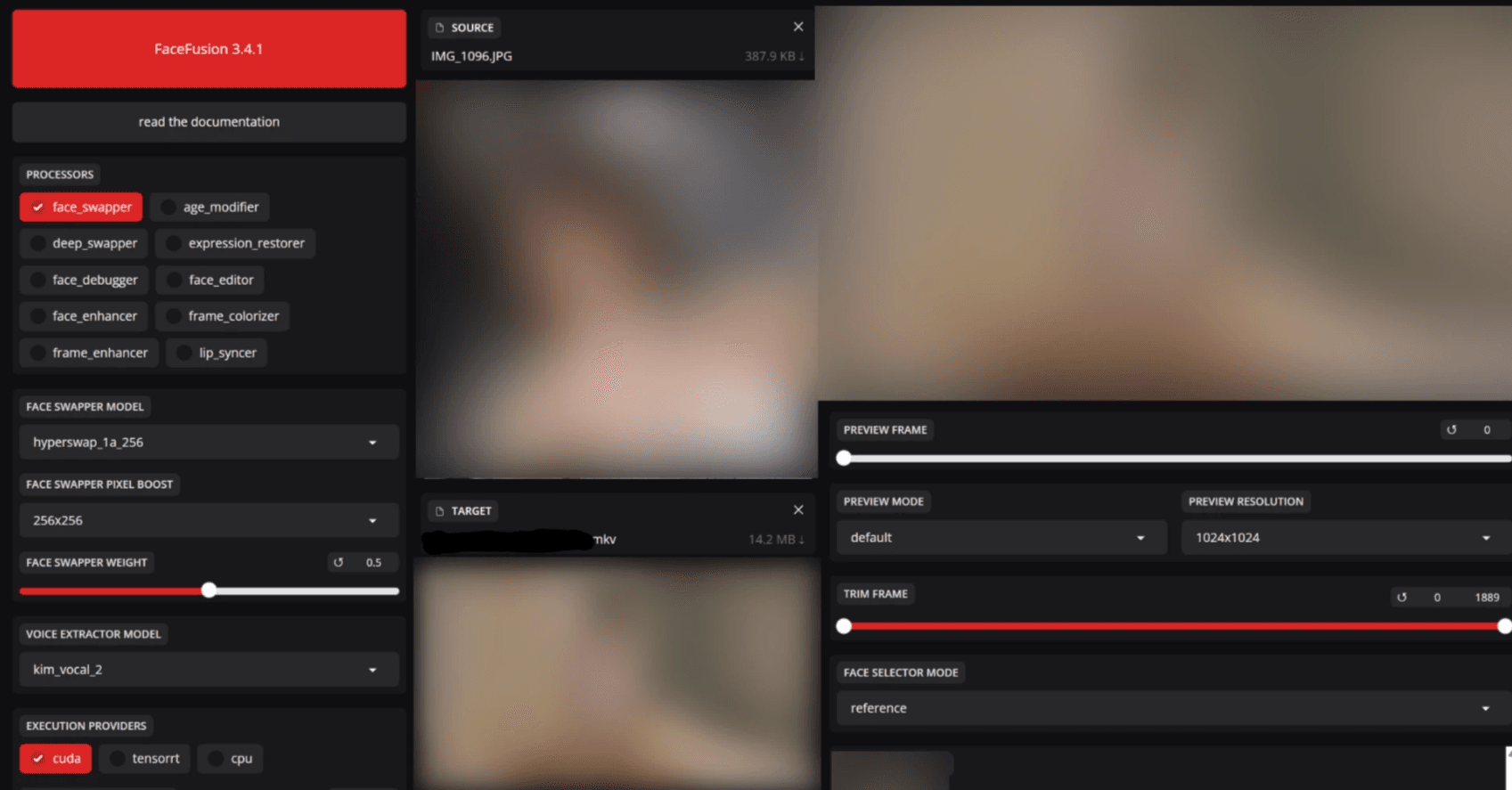
This article was previously published as paid content on another site. Please refer to the latest documentation for any outdated information. If you are specifically interested in the FaceFusion filter removal, feel free to skip to the latter sections.
Navigating "Tamper-Proofing" in Git Repository Distribution
When distributing open-source software or applications, every engineer has likely faced a situation where they think, "I really don't want users to modify this data arbitrarily."
Typical scenarios include:
- Preventing users from removing a built-in Adult Content Filter (NSFW).
- Preventing users from modifying config files to force behaviors the app wasn't designed for.
To prevent these situations, the method of hashing files to verify integrity is commonly used.
Representative Techniques for Tampering Prevention
1. Integrity Checks via Hashing
This is the simplest and most accessible method.
import hashlib
import sys
import pathlib

EXPECTED_HASH = "c157a79031e1c40f85931829bc5fc552"  # Example: MD5
TARGET_FILE = pathlib.Path("filter_config.json")

def file_hash(path: pathlib.Path) -> str:
    h = hashlib.md5()
    with path.open("rb") as f:
        for chunk in iter(lambda: f.read(8192), b""):
            h.update(chunk)
    return h.hexdigest()

if not TARGET_FILE.exists():
    print("Required file is missing. Exiting.")
    sys.exit(1)

if file_hash(TARGET_FILE) != EXPECTED_HASH:
    print("File has been tampered with. Exiting.")
    sys.exit(1)

print("Started successfully.")
This mechanism checks the "hash of critical files" at startup and terminates the process if there is a mismatch.
- Pros: Easy to implement; provides a solid deterrent against general users who just follow online tutorials.
- Cons: Anyone who can read the source code can simply delete the validation logic itself.
2. Guarantees via Digital Signatures
- Attach a signature to files during distribution.
- Embed a public key within the app and verify the signature at startup.
Since signature verification fails if a file is modified, this is more reliable than a simple hash check. However, integrating the signing process into your workflow can be a bit of a hassle.
3. Server-Side Validation
- Send hashes of critical files to a server at startup.
- The server performs the comparison and grants permission to run only if they match.
Even if the local validation logic is rewritten, the server holds the final "veto" power, making this very difficult to bypass. However, this method isn't viable for tools intended to work entirely offline.
Thinking Within the Context of Git Distribution
If you are distributing source code directly via GitHub or similar platforms, the conclusion is: It is impossible to make it "absolutely untamperable." Anyone capable of reading the code can just strip out the validation logic.
You might wonder, "Then is there any point?" Absolutely. When an average user follows the standard "clone → build → execute" flow, these checks remain intact. It functions perfectly well as an effective barrier against unintentional or amateur modifications.
Practical Choices
| Objective | Best Option |
|---|---|
| "Detecting tampering is enough" | Hash Check |
| "Only official releases should be trusted" | GPG Signing |
| "Absolutely never allow modified versions to run" | Server-Side Validation + Signing |
Combining these methods is usually the most realistic approach.
Tamper-Proofing in FaceFusion
FaceFusion, a face-swapping tool for videos and images, includes a mechanism to detect and block sexual content. Under normal use, if content is flagged as NSFW (Not Safe For Work), the process stops as a protective measure.
Bypass methods for this are scattered across the web, but from my research, the latest versions have improved their defenses, rendering old information mostly useless. In this regard, the developers' countermeasures have been quite successful.
Looking at FaceFusion's NSFW Measures
The common trick of "changing the return value of facefusion/content_analyser.py to False to skip the filter" has already been countered. If you simply rewrite it, an internal error occurs, and the startup fails without telling the user why.
def detect_nsfw(vision_frame : VisionFrame) -> bool:
    # NSFW filter disabled - always return False
    return False

    # Original code commented out:
    # is_nsfw_1 = detect_with_nsfw_1(vision_frame)
    # is_nsfw_2 = detect_with_nsfw_2(vision_frame)
    # is_nsfw_3 = detect_with_nsfw_3(vision_frame)
    # return is_nsfw_1 and is_nsfw_2 or is_nsfw_1 and is_nsfw_3 or is_nsfw_2 and is_nsfw_3
How to Actually Bypass It (Technical Breakdown)
Perhaps because bypass methods became too widespread, further defensive measures were implemented (Information as of Oct 17, 2025).
Note: This is strictly a case study on code tampering countermeasures. It is not an endorsement for disabling filters.
Take a look at the following code. The logic relies on the return value of the core NSFW filter.
def detect_nsfw(vision_frame : VisionFrame) -> bool:
    is_nsfw_1 = detect_with_nsfw_1(vision_frame)
    is_nsfw_2 = detect_with_nsfw_2(vision_frame)
    is_nsfw_3 = detect_with_nsfw_3(vision_frame)

    return is_nsfw_1 and is_nsfw_2 or is_nsfw_1 and is_nsfw_3 or is_nsfw_2 and is_nsfw_3
If this returns True (NSFW detected), the subsequent processing is forced to terminate.
Trying to Return "Non-NSFW" for Everything
If True stops the process, you'd think forcing a False (Safe) return would bypass the censorship. However, doing so causes the process to exit silently without any errors.
This is because the aforementioned integrity check via hash values is running.
Hash Check Implementation (hash_helper.py)
This file handles the creation and verification of hashes.
def create_hash(content : bytes) -> str:
    return format(zlib.crc32(content), '08x')

def validate_hash(validate_path : str) -> bool:
    hash_path = get_hash_path(validate_path)

    if is_file(hash_path):
        with open(hash_path) as hash_file:
            hash_content = hash_file.read()

        with open(validate_path, 'rb') as validate_file:
            validate_content = validate_file.read()

        return create_hash(validate_content) == hash_content
    return False
Furthermore, download.py strictly checks if the values have changed from the time they were pulled.
def validate_source_paths(source_paths : List[str]) -> Tuple[List[str], List[str]]:
    valid_source_paths = []
    invalid_source_paths = []

    for source_path in source_paths:
        if validate_hash(source_path):
            valid_source_paths.append(source_path)
        else:
            invalid_source_paths.append(source_path)

    return valid_source_paths, invalid_source_paths
The Logic to Circumvent the Filter
These checks are called in core.py as a pre-check during execution.
def common_pre_check() -> bool:
    common_modules =\
    [
        content_analyser,
        face_classifier,
        face_detector,
        face_landmarker,
        face_masker,
        face_recognizer,
        voice_extractor
    ]

    content_analyser_content = inspect.getsource(content_analyser).encode()
    content_analyser_hash = hash_helper.create_hash(content_analyser_content)

    return all(module.pre_check() for module in common_modules) and content_analyser_hash == '803b5ec7'
Unless the hash value matches '803b5ec7', the program won't run. Therefore, you must disable the check itself to bypass it.
Bypass Code
Rewrite the hash check portion within the common_pre_check function as follows:
def common_pre_check() -> bool:
    common_modules =\
    [
        content_analyser,
        face_classifier,
        face_detector,
        face_landmarker,
        face_masker,
        face_recognizer,
        voice_extractor
    ]

    content_analyser_content = inspect.getsource(content_analyser).encode()
    content_analyser_hash = hash_helper.create_hash(content_analyser_content)

    return all(module.pre_check() for module in common_modules)  # Hash check disabled
This skips the integrity check, allowing the program to run even if you've modified the NSFW filter logic.
In Conclusion
As you can see, while these measures are easily bypassed by someone who "understands program structure," they present a very high hurdle for "button-pushers" who just want to install and run. A two-tier defense using hash checks actually acts as a significant deterrent in practice.
When you distribute a tool as source code, preventing tampering 100% is impossible. Don't forget that if you have "logic that absolutely must not be tampered with," the best choice is often not to publish the source code at all.
See you in the next article! ♡